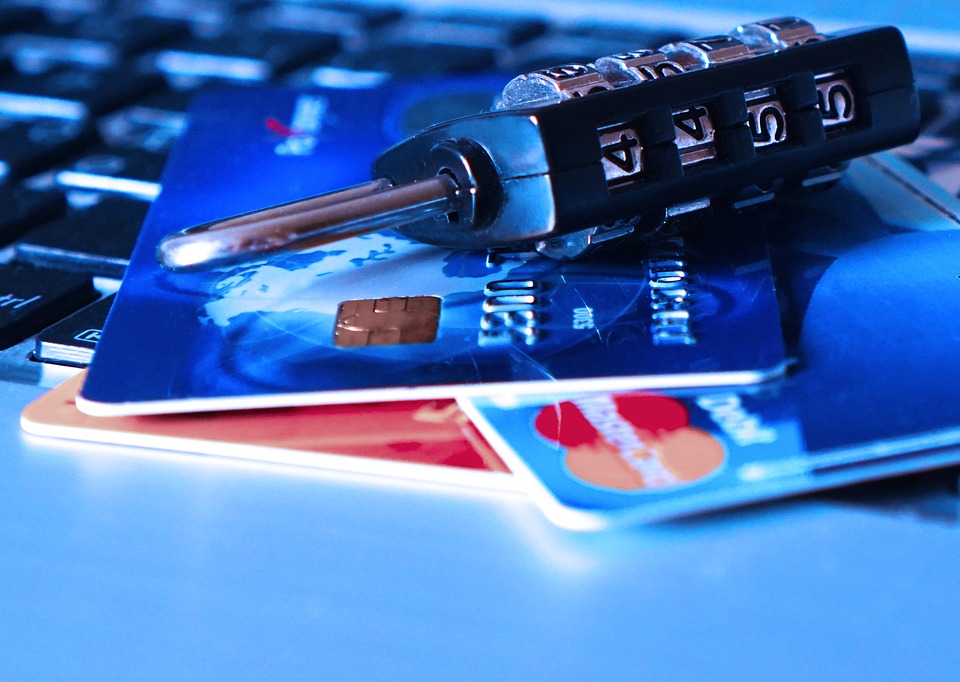
Are You Protecting Customers’ Credit and Debit Card Data?

It’s hard to ignore the fact that data security breaches seem to be increasing in frequency and severity, particularly those involving credit and debit card data. Just ask Home Depot, Michaels Stores, Neiman Marcus, or their 50+ million customers whose payment card data may have been compromised in 2014. To reduce the chances of making the list in 2015, preventative measures must be taken by every business that accepts credit and debit card payments.

The PCI Security Standards Council developed the Payment Card Industry Data Security Standard (PCI DSS) to encourage and enhance cardholder data security. This standard includes 12 requirements.

Build and Maintain a Secure Network and Systems

  • Install and maintain a firewall to protect cardholder data.
  • Do not use defaults for system passwords or security parameters.

Protect Cardholder Data

  • Protect stored cardholder data.
  • Encrypt transmission of cardholder data.

Maintain a Vulnerability Management Program

  • Protect systems against malware and regularly update anti-virus software.
  • Develop and maintain secure systems and applications.

Implement Strong Access Control Measures

  • Restrict access to cardholder data to those who need to know.
  • Identify and authenticate system access.
  • Restrict physical access to cardholder data.

Regularly Monitor and Test Networks

  • Track and monitor all access to networks and cardholder data.
  • Regularly test security systems and processes.

Maintain an Information Security Policy

  • Maintain a policy that addresses information security for all personnel.

The PCI Security Standards Council also provides a number of tips and strategies to increase the security of payment card data, such as:

  • Never store Sensitive Authentication Data, such as the full track contents on the magnetic stripe or chip, card verification codes/values, or PINs.
  • Ask point-of-sale vendors about the security of payment card systems.
  • Do not store cardholder data that is not needed.
  • Consolidate and isolate cardholder data that is needed.

The Council notes that the PCI DSS provides minimum security requirements that may be enhanced by additional controls and practices. Various laws, rules or regulations may also require enhanced security measurers. For example, under the Fair and Accurate Credit Transaction Act (FACTA), electronically printed credit and debit card receipts given to customers cannot include a card’s expiration date or more than the last five digits of the card number.

Sometimes security measures aren’t enough to prevent a data security breach, so businesses should use insurance to manage their cyber risks. There are a number of cyber liability products that protect against privacy injuries, such as identity theft, and that cover the cost of complying with various data breach notice laws. However, given the complexity of the risk, an experienced insurance agent should be consulted to ensure that adequate coverage is obtained.

A solid understanding of your insurance needs is the key to overcoming the quality versus cost argument. An experienced and reputable independent insurance agent can help you purchase insurance that is both economical and effective.

If you would like to learn more about insuring against cyber risks, contact us.

If you would like to subscribe to our newsletters please click here.
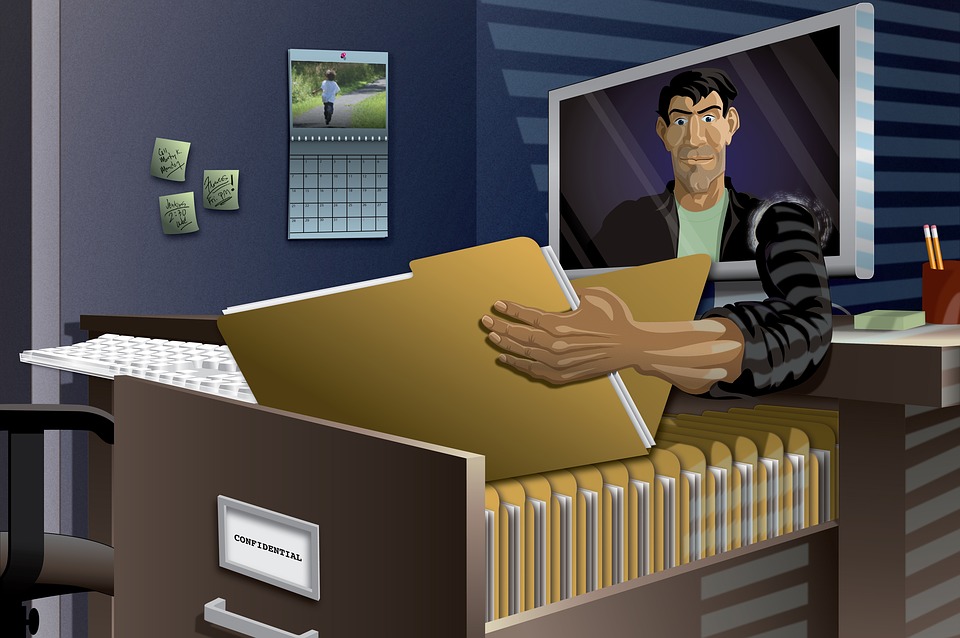
How Can You Prevent Identity Theft?

According to the Federal Trade Commission, identity theft continues to top the list of consumer complaints. In 2013, American consumers reported losing more than $1.6 billion to fraud, which is approximately $2,294 per incident. The highest reported age group for identity theft is 20-29, and the most common form of identity theft is tax- or wage-related, followed by credit card fraud, utilities fraud and bank fraud. Florida has the highest per capita rate of reported identity theft complaints, followed by Georgia and California.

Since October is National Cyber Security Awareness Month, now is the perfect time to learn about preventing identity theft. Here are some tips from the Insurance Information Institute.

  • Don’t carry unnecessary personal information (social security card, passport, etc.).
  • Prevent ‘shoulder surfers’ from seeing credit card numbers or PINs.
  • Always take credit card or ATM receipts.
  • Don’t give out personal information, whether on the phone, via mail or online, unless you initiated contact or you know the transmission will be secure.
  • Only use authenticated websites to conduct business online. Check for the locked padlock image or look for ‘https://’ rather than ‘http://’ in your browser window.
  • Be aware of phishing and pharming scams that use fake emails and websites to impersonate legitimate organizations. Exercise caution when opening emails and instant messages from unknown sources.
  • Never send personal, financial or password-related information via email.
  • Use up-to-date firewall, anti-spyware and anti-virus programs.
  • Monitor all financial accounts and review monthly statements to make sure all transactions are accurate.
  • Immediately contact your credit card or bank if you suspect a problem.
  • Order your credit report from the three major credit bureaus to make sure it’s accurate and includes only authorized activities. You are entitled to one free credit report per year.
  • Place passwords on your credit card, bank and phone accounts.
  • Don’t use passwords containing easily available information (mother’s maiden name, birth date, phone number, etc.) or any series of consecutive numbers.
  • Change passwords if you suspect a problem.
  • Shred documents containing personal information such as credit card numbers, bank statements, charge receipts or credit card applications.

In the event of identity theft, early detection is the key to limiting the damage. Here are some clues from the FTC that someone may have stolen your identity.

  • You see withdrawals from your bank account that you can’t explain.
  • You stop getting bills or other mail.
  • Debt collectors call you about debts that aren’t yours.
  • You find unfamiliar accounts or charges on your credit report.
  • The IRS notifies you that a tax return was already filed in your name.
  • A company where you do business or have an account suffers a data security breach.

Despite taking preventative measures, identity theft can still happen. However, insurance may be purchased to help victims of identity theft through the often expensive and time consuming battle to clear their name. Depending on the insurance company, identity theft coverage may be included under a homeowners’ policy, or it may be added by endorsement or obtained under a separate, stand-alone policy.

If you would like to learn more about identity theft insurance coverage, please contact us.

If you would like to subscribe to our newsletters please click here.

Every Business Should be Worried about Cyber Liability

Regardless of industry, cyber attacks and data breaches expose businesses to potentially enormous losses and liabilities. According to a report by the Insurance Information Institute (III), the potential economic fallout from the cyber threat cannot be underestimated, particularly because the number of publicly disclosed data breaches soared from 449 in 2012 to 614 in 2013. This is likely why cyber risk cracked the top 10 list of global business risks in 2014.

According to the III report:

  • The majority of data breaches affected the medical/healthcare industry (43.8%) and business organizations (34.4%).
  • Business organizations accounted for the majority of records exposed by data breaches in 2013 (84%).
  • A report by PWC found that cyber crimes are considered a high-level threat.
  • Cyber attacks have become more frequent and increasingly costly for companies to resolve.
  • The average annualized cost of cyber crime is estimated to be $11.6 million per year.
  • Denial of service is the costliest cyber crime, followed by malicious insiders and web-based attacks.
  • The average time to resolve a cyber attack is 32 days, with an average cost of just over $1 million during this 32-day period.
  • Malicious or criminal attacks, such as malware infections, criminal insiders, phishing/social engineering and SQL injections, cause 42% of data breaches, followed by human error (30%) and system glitches (29%).
  • U.S. organizations have the highest lost business costs at an average of $3.3 million.
  • Businesses may be exposed to even greater risks from new technologies, such as cloud computing, which uses a network of remote servers over the Internet to store, manage and process data, rather than a local server.

The III report notes that upon experiencing a data breach, many businesses turn to their insurance policies to cover their loss. Unfortunately, many of these losses are not covered by traditional insurance policies. To protect against cyber threats, businesses need specific cyber insurance policies that provide a number of specialized coverages, such as:

  • Loss/corruption of data
  • Business income/interruption
  • Liability coverage (first- and third-party coverage)
  • Data breach coverage (including costs of complying with statutory notice requirements)
  • Cyber extortion
  • Crisis management
  • Identity theft

Given the complexity of the risk, an experienced insurance agent should be consulted to ensure that adequate coverage is obtained. If you would like to learn more about insuring against data security breaches, contact us.

If you would like to learn more about preventing data security breaches, take our online course Information Risk Management: Strategies for Preventing and Mitigating Information Security Breaches.

If you would like to subscribe to our newsletters please click here.

Preventing Data Security Breaches

Every business must be able to identify the likeliest source of a data security breach so that they can also identify how to prevent it. Is it an executive’s laptop computer, the copy machine or the office’s wireless network? Could it be something else? Since the first step to preventing a data security breach is understanding the risk, it’s time to learn more about your business’s sensitive data.

Effective data security starts by assessing the kind of information a business has and identifying who has access to it. Evaluating data security vulnerabilities requires an understanding of how sensitive data moves into, through, and out of a business, and who has or could have access to it. Here are some tips from the Federal Trade Commission.

Take Inventory

Take an inventory of all devices and equipment capable of storing sensitive data, such as laptop computers, mobile devices, flash drives, off-site servers, disks and digital copiers. Do employees work from home? If so, add their home computers to the list.

The type and location of sensitive data should also be inventoried. Don’t stop with the office’s filing cabinets and computer systems. Sensitive data may also be received from other sources, such as websites, contractors or call centers. Every possible source and destination for sensitive data must be considered.

Track Sensitive Data

It is important to know how the business obtains, stores, shares and disposes of sensitive data. Every department should be consulted, including sales, information technology, human resources and accounting. Don’t forget about contractors and other third-party service providers.

This process should provide a business with a thorough understanding of:

  • Who provides sen­sitive data? Does it come from customers, credit card companies, banks or other financial institutions, credit bureaus, job applicants, contractors, third-party service providers?
  • How is sensitive data received? Does it come via phone, fax, mail or email? Is there a website designed to request and receive sensitive data? Are there any other possible entry points?
  • What kind of sensitive data is collected? Do business operations require or permit collecting financial information (credit cards, bank accounts, credit reports), personally identifying information (drivers’ licenses, social security numbers) or medical information?
  • Where is sensitive data stored? Is it kept on disks, tapes, laptops, smartphones, tablets or other mobile devices? Employees’ personal computers or mobile devices? Where are data backups and copies stored?
  • Who can access sensitive data? Is access to sensitive data limited to only those who need it? Are there security measures in place? Is sensitive data protected against unauthorized access by contractors or other third-party service providers?

Throughout this process, pay particular attention to certain kinds of sensitive data. Identity thieves typically look for social security numbers, credit card and other financial information.

Organizations should also consider protecting against data security breaches with insurance.Various cyber liability products are available to protect against privacy injuries, such as identity theft, and to cover the cost of complying with various data breach notice laws. Given the complexity of the risk, an experienced insurance agent should be consulted to ensure that adequate coverage is obtained. If you would like to learn more about insuring against data security breaches, contact us.

If you would like to subscribe to our newsletters please click here.
Prevent Data Security Breaches by Protecting Laptop Computers

While laptop computers can increase workforce productivity, they also increase the risk of harmful and costly data security breaches. Since a lost or stolen laptop can jeopardize sensitive information, the Federal Trade Commission recommends the following preventative measures to protect laptop computers and the personally identifying information it contains.

Treat laptops like cash. People don’t leave their cash unattended, not even for a minute. When traveling, cash isn’t usually checked with luggage and it isn’t left in the backseat of the car. Keep the same watchful eye on the laptop as you would on cash.

Lock laptops with a security cable. Whether in the office, a hotel or some other public place, a laptop security cable should always be used. Attach it to something immovable or to a heavy piece of furniture, such as a table or a desk. Security cables work similarly to bike locks. You can purchase them at Office Depot, Amazon, Staples, etc.

Be on guard in airports and hotels. The confusion and shuffle of security checkpoints can be fertile ground for theft. Keep an eye on the laptop when going through airport security. Hold onto it until the person in front of you has gone through the metal detector, and wait for it to emerge on the other side. When staying in a hotel overnight, a security cable may not be enough. Store the laptop in the room safe. If leaving a laptop attached to a security cable in a hotel room, consider hanging the “do not disturb” sign on the door.

Consider an alarm. Depending on security needs, a laptop alarm can be an excellent security device. Some laptop alarms sound when there’s unexpected motion, or when the computer moves outside a specified range. A program that reports the location of stolen laptops upon being connected to the internet can also provide additional security.

Consider carrying laptops in something more discreet than a laptop case. When taking a laptop on the road, carrying it in a computer case may advertise what’s inside. Consider using a suitcase, a padded briefcase, or a backpack instead.

Don’t leave laptops unattended. Though colleagues may seem trustworthy, avoid the temptation to leave laptops unattended, even for a minute. Laptops should be taken whenever possible. If taking the laptop is not an option, use a cable to secure it to a table or desk.

Don’t leave a laptop in a car. Parked cars are a favorite target of laptop thieves. If leaving a laptop in a car is the only option, keep it locked up and out of sight.

Don’t put laptops on the floor. Whether at a conference, coffee shop, or registration desk, laptops should not be left on the floor. If it is necessary to put the laptop down, place it between your feet or up against your leg so you remember that it’s there.

Don’t keep passwords with the laptop or in its case. Remembering strong passwords or access numbers can be a challenge. However, leaving them in the laptop carrying case or on the laptop is like leaving keys in a car. In the event a laptop is lost or stolen, don’t make it easy for a thief to access sensitive information stored on the device.

Create ‘Uncrackable’ Passwords

The best passwords are over 6 characters, include upper and lowercase letters, and use numbers and symbols. Passcreator.com can generate a password that is nearly impossible to crack. However, this would mean you probably won’t remember it on your own. So, if you have to write any of your passwords down keep that document separate from your laptop. You can write them down on a piece of paper and keep them in your wallet. You can store them on Google Drive. Just be sure to password protect the doc! You can also store them on an Excel spreadsheet and protect the workbook to make it harder for a hacker to view its contents.

Encrypt sensitive data. The consequences of a lost or stolen laptop can be minimized by encrypting the data stored on the device so that it cannot be accessed by anyone without the proper authorization.

Organizations should also consider protecting against data security breaches with insurance. Various cyber liability products are available to protect against privacy injuries, such as identity theft, and to cover the cost of complying with various data breach notice laws. Given the complexity of the risk, an experienced insurance agent should be consulted to ensure that adequate coverage is obtained. If you would like to learn more about insuring against data security breaches, contact us.

If you would like to subscribe to our newsletters please click here.